
10 ABA Data Graphing Mistakes RBTs Must Avoid
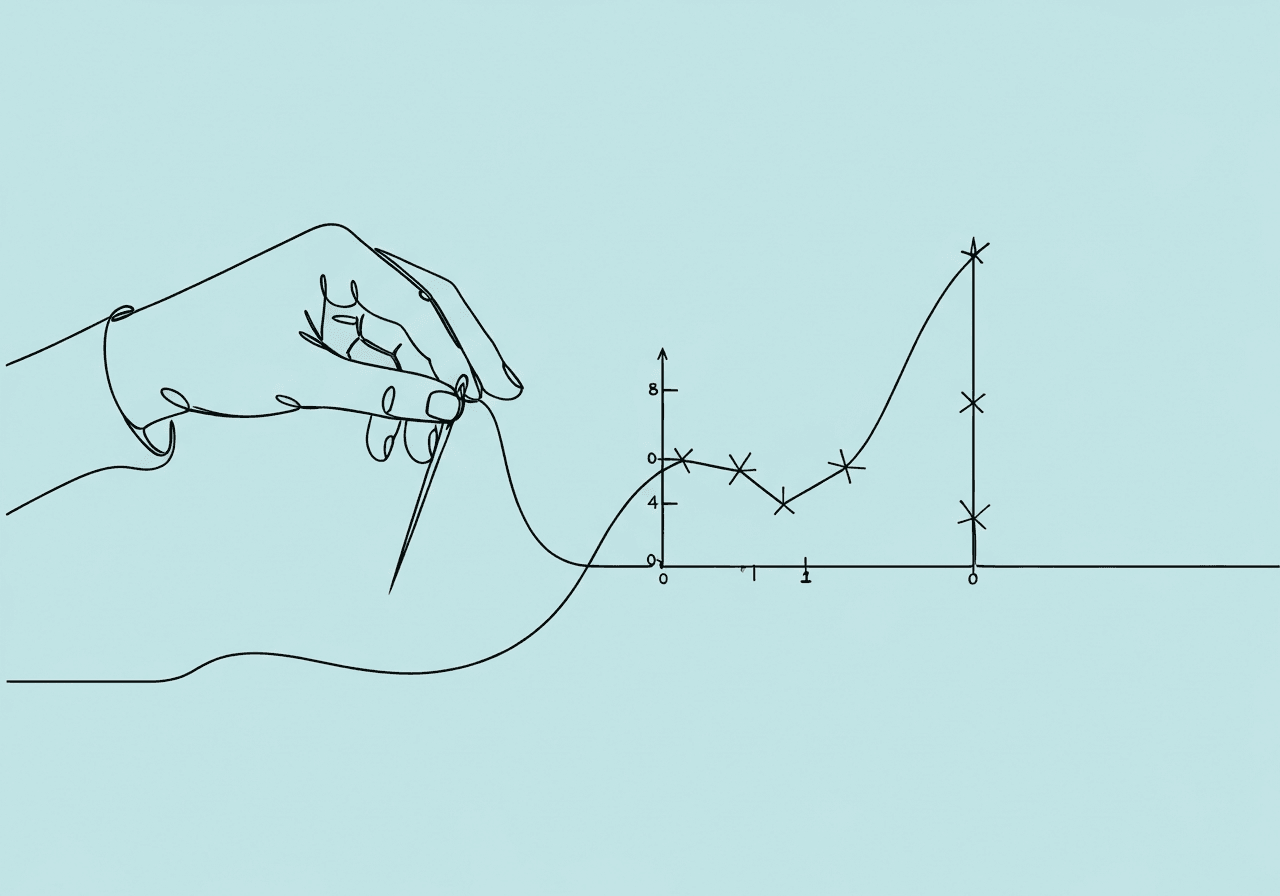
Avoid These 10 ABA Data Graphing Mistakes as an RBT
Last week, I reviewed a graph from a busy clinic session. Hours of precise ABA data collection wasted—the BCBA couldn't tell if progress stalled due to bad scaling or real issues. ABA data graphing mistakes like this sneak up on even experienced RBTs. They turn solid data into misleading visuals that derail interventions.
This guide uncovers 10 common RBT graphing errors. You'll get real-world fixes from trusted sources. Here's what you'll find:
- The top 10 mistakes with scenarios and step-by-step fixes
- Key ABA graph best practices for daily sessions
- An FAQ tackling frequent questions
- Simple next steps to level up your skills
Key Takeaways:
- Label every axis clearly to reveal true trends.
- Always add phase lines for intervention shifts.
- Scale proportions right to avoid exaggeration.
- Update graphs daily and seek BCBA feedback.
- Match graph types to your data for accuracy.
Master these, and your graphs will shine.
Why Accurate ABA Graphs Matter for RBTs
Clear graphs help BCBAs quickly spot trends, variability, and intervention effects. Poor line graph construction harms student progress by skewing decisions, as noted in the CentralReach blog on line graph warnings. You handle daily data entry as an RBT, so slips here affect entire treatment plans.
Visual analysis depends on level, trend, and immediacy. Botch these, and teams argue over data instead of refining programs. Experts stress that consistent, proportional graphs build trust and speed reviews. Proper graphing meets BACB standards in the RBT Task List A-5: enter data and update graphs accurately (BACB RBT Task List (2nd ed.)). It safeguards clients and strengthens your credibility.
Mistake 1: ABA Data Graphing Mistakes with Vague Axis Labels
Picture this: You finish a session on hand-raising. Sessions stack up, but your graph lacks "Session Number" on the x-axis or "Occurrences" on the y-axis. Viewers guess the units.
Why it hurts. Trends lose meaning fast. Is that drop over days or weeks? BCBAs waste time decoding.
Quick fix.
Label the x-axis "Date" or "Session Number" with even spacing.
For y-axis, note "Responses per Minute."
Add a title: "Target: Hand Raising."
Praxis Notes flags this as a key exam issue (Praxis Notes on RBT A-5).
Mistake 2: Skipping Those Crucial Phase Lines
Ever blended baseline data with intervention without a line? Phase lines mark shifts like baseline to DRO. Skip them, and conditions run together.
This hurts because BCBAs miss if the change drove the trend. Intervention effects vanish.
Easy steps to fix:
Draw a bold vertical line at the switch.
Label it clearly: "Baseline" to "DRO."
Use contrasting colors so it pops.
Case Management Hub explains how this twists data reads (ABA chart graphing guide).
Mistake 3: ABA Data Graphing Mistakes in Scaling and Proportions
Axes stretched wide or squished tight break the 2/3 rule. Data should fill most of the y-axis, avoiding empty extremes (Tools for Digital Graphing in ABA Programs).
The damage. Flat trends look steep. Real gains get crushed.
Scale smart: Start y-axis near your lowest point. Match x-axis to real time spans. Ask: Does it look natural at a glance? CentralReach calls out this data distortion (CentralReach line graph signs).
Mistake 4: Data Points Too Hard to See
You're sharing a digital graph. Tiny dots and faint lines blur on screens, especially in team meetings.
Trends hide in the mess. Variability slips by unnoticed.
Make them pop with 8-10 pt bold circles. Solid lines connect points cleanly. Zoom in for shares or prints. Learning Behavior Analysis pushes clear visuals for solid analysis (Visual analysis in ABA).
Mistake 5: Picking the Wrong Graph Type for Your Data
Bars for session trends over time? Lines for one-off comparisons? It mixes signals and confuses patterns.
Line graphs track continuous data like frequency. Bars suit categories. Wrong pick warps the story.
Go with lines for frequency across sessions. Bars for pre/post tests. Scatter for timing quirks. Artemis ABA matches types to data needs (ABA graphs guide).
Mistake 6: Cluttered Grids and Wonky Intervals
Gridlines everywhere. X-axis skips days unevenly. Readability tanks.
Viewers guess slopes and timing wrong.
Lighten up: Faint grids only where needed. Even daily ticks, data or not. Drop extras. Heartwise links this to shaky data calls (Heartwise on data decisions).
Mistake 7: ABA Data Graphing Mistakes Using Non-Time X-Axis Units
"Session 1, 2..." ignores if sessions ran 10 or 60 minutes. Rates get skewed.
Short ones pump trends up. Long deflate them.
Switch to dates or times. Legend notes durations. It fits visual analysis needs (RBT visual analysis guide).
Mistake 8: Overlooking Data Variability
You plot flat lines or wild scatters. No notes on why clusters form.
This hides transition effects. Teams tweak blindly.
Jot notes like "High variability during prompts." Add range lines. Bring it up in reviews. Alina Heim details variability tracking (Graphing in ABA).
Mistake 9: Data Mismatch to Behavior Definitions
Frequency graph for duration targets? Counts drift from true ops defs.
BCBAs catch it quick. Observations don't align.
Double-check IOPD pre-session. Stick to exact defs. Cross notes (BCBA data trends).
Mistake 10: No BCBA Review or Timely Updates
Graphs sit outdated. No team eyes on errors.
Fixes drag. Timely entry slips.
Daily habits: Update post-session. Share weekly. Loop in feedback. CentralReach notes unchecked graphs feel off and mislead (CentralReach warning signs of poor graphs).
ABA Graph Best Practices for RBTs
Dodge pitfalls with these habits: Update after every session. Tools like Excel or ABA apps keep it precise. Proportions and clarity first. Legends note changes like meds or settings.
These match pro advice (Artemis best practices).
Frequently Asked Questions
What are the most common RBT graphing errors in ABA data?
Top RBT graphing errors hit labels, phase lines, and scaling. They twist trends, per Praxis Notes and CentralReach poor graph warnings.
How do I choose the right graph type for ABA data?
Lines for time trends. Bars for comparisons. Scatterplots for patterns. Pick by data type (Artemis ABA graph guide).
What warns of a poorly built line graph?
Uneven intervals, axis tricks, bad proportions, hidden points. CentralReach flags them as decision traps (CentralReach line graph issues).
How often to update ABA graphs as an RBT?
Daily, per session. Catches issues fast (Alina Heim on graphing).
How to make ABA graphs clear and readable?
Full labels, phase lines, even scales, bold points. Get feedback to polish (Case Management Hub graphing).
Why track variability in ABA graphing?
It flags loose factors. Cluster analysis drives better calls (Learning Behavior Analysis visuals).
Put These Fixes into Practice Today
Sidestep ABA data graphing mistakes that snag RBTs. Your accurate graphs fuel spot-on interventions. They guard progress and highlight your pro skills.
Next steps:
- Audit last week's graphs.
- Try one fix per session.
- Chat trends in supervision.
Dive in now. Clear data changes lives. Check Praxis Notes for more tools.
Popular in Study Guides & Training
- 1
Master BCBA RBT Performance Feedback Documentation
1,9016 min read - 2
IOA for RBTs: Beginner's Guide to Data Reliability
8655 min read - 3
Master ABA Competency Training Terms for Ethical Practice
8124 min read - 4
Essential Standardized ABA Assessment Glossary for BCBAs
7448 min read - 5
How to Write RBT Operational Definitions Effectively
7307 min read
Popular in Study Guides & Training
- 1
Master BCBA RBT Performance Feedback Documentation
1,9016 min read - 2
IOA for RBTs: Beginner's Guide to Data Reliability
8655 min read - 3
Master ABA Competency Training Terms for Ethical Practice
8124 min read - 4
Essential Standardized ABA Assessment Glossary for BCBAs
7448 min read - 5
How to Write RBT Operational Definitions Effectively
7307 min read
Related Resources
Explore more helpful content on similar topics

Master BCBA RBT Performance Feedback Documentation
Master BCBA RBT performance feedback documentation with this step-by-step guide. Learn to set goals, use checklists, and deliver objective feedback for BACB compliance and RBT professional growth.

Master RBT SMART Goal Writing for Measurable ABA Goals
Master RBT SMART goal writing to craft measurable ABA objectives that drive progress in therapy. Discover our step-by-step guide, checklist for defining behaviors and criteria, plus real examples for skill acquisition and behavior reduction. Ideal for beginner RBTs seeking clear documentation standards.
RBT ABA Graphing Tips: 10 Essential Hacks
Discover 10 essential RBT ABA graphing tips: label axes clearly, use phase lines, analyze trends & more. Elevate your ABA data visualization and RBT progress graphs for better insights today!